
What you can do
-
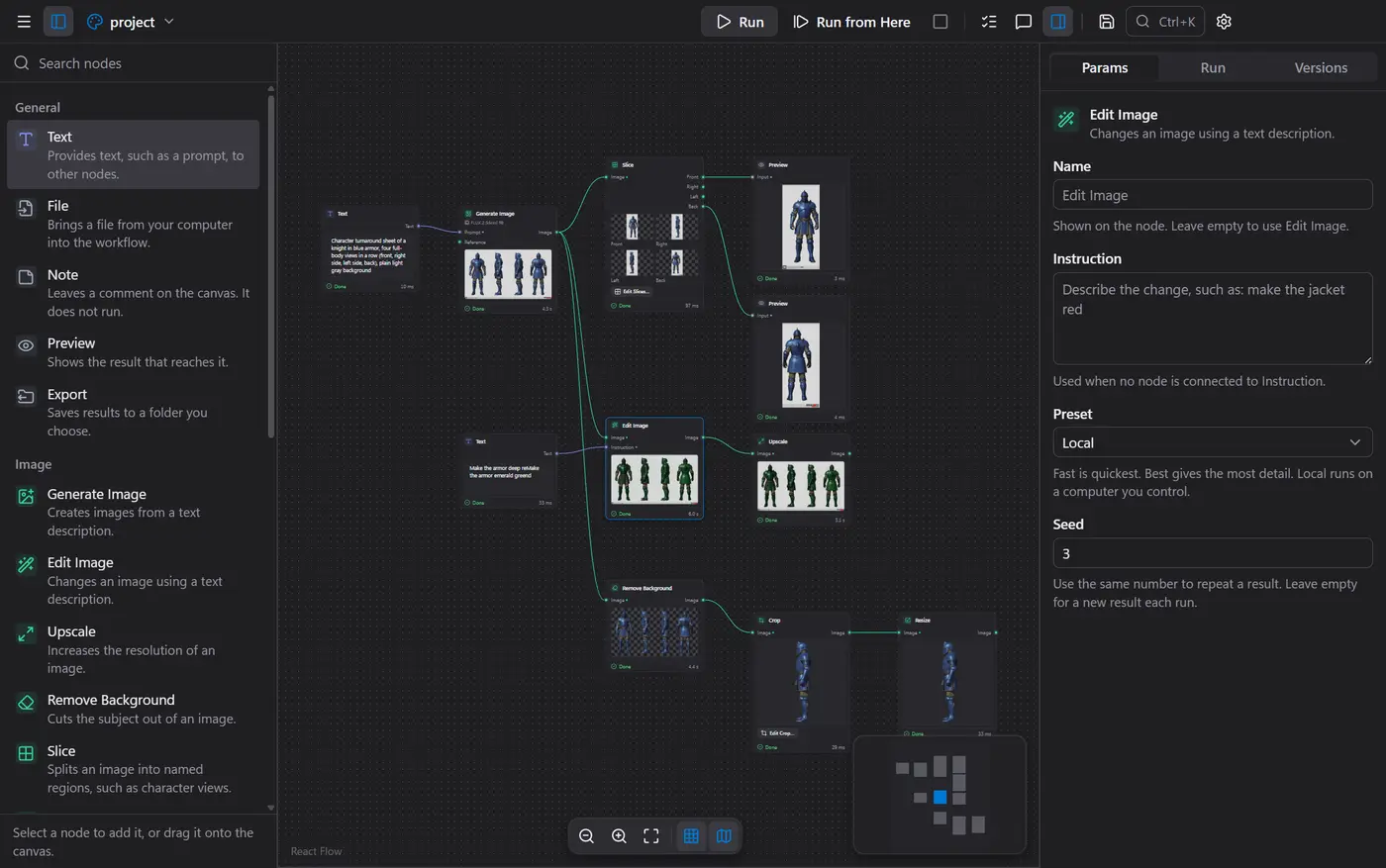
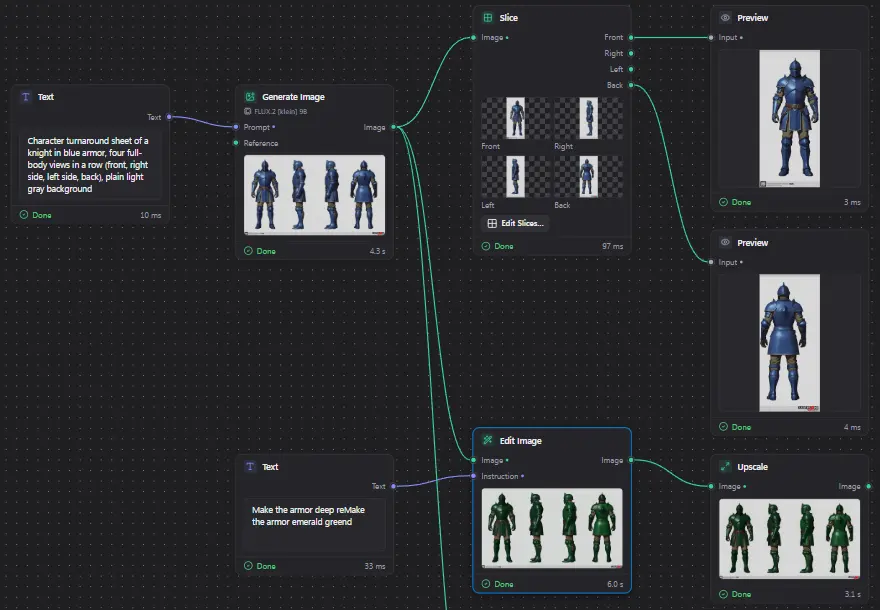
Generate and edit images
Describe an image to create it, or change one you already have. Upscale it, cut out the background, crop or resize it, all as steps on the canvas.
-
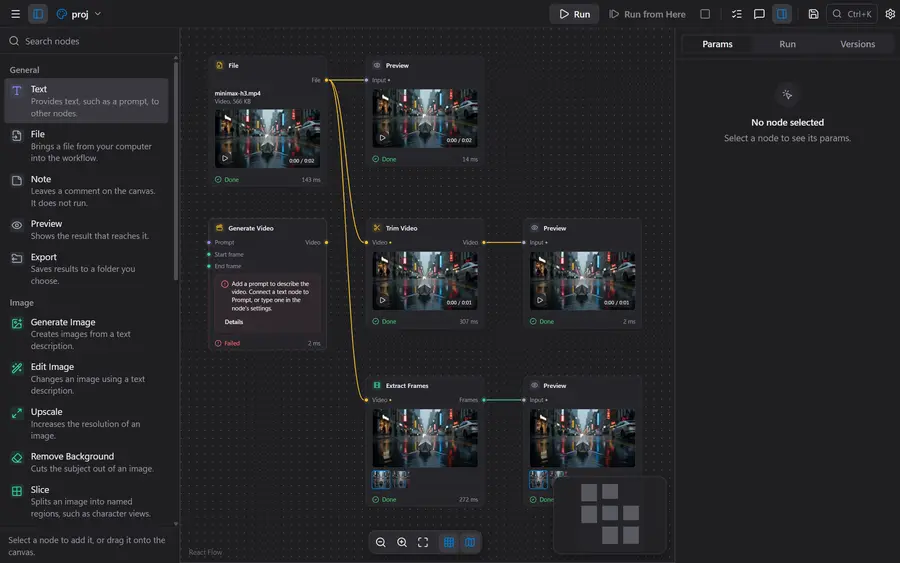
Turn images into video
Animate a still image, extend a clip, trim it, or pull frames out of it.
-
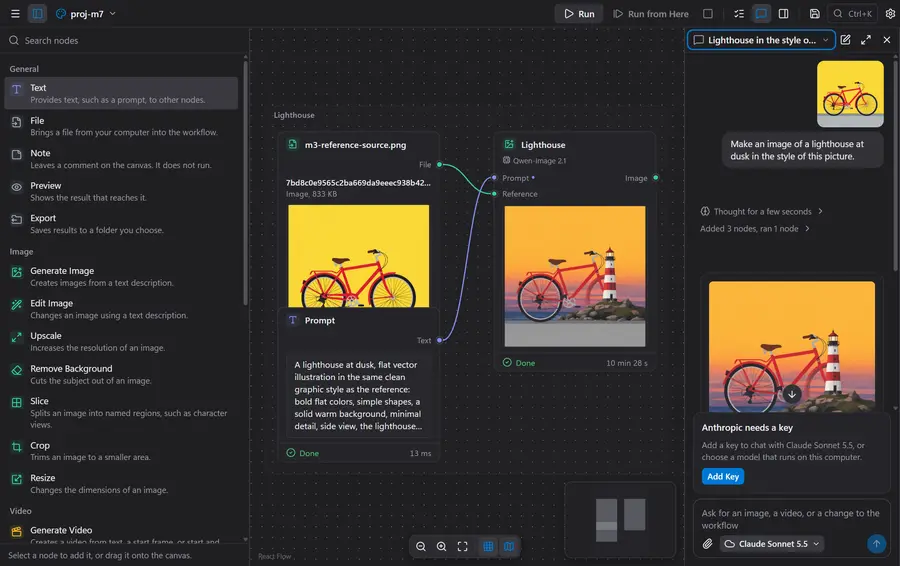
Ask the assistant to build it
Say what you want in a sentence. The assistant adds the steps, runs them and shows you the result. You approve changes before they happen.
-
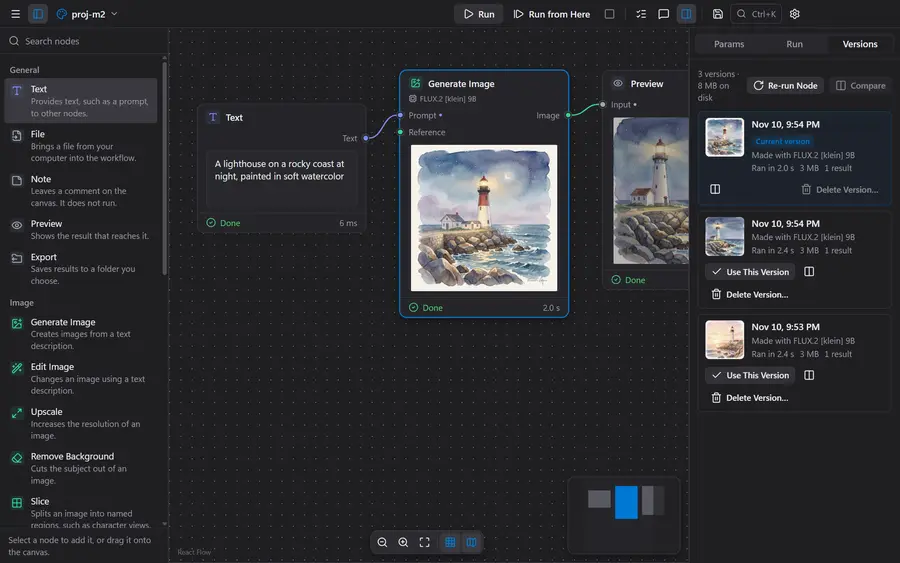
Keep every version and compare
Each run is saved. Go back to an earlier result, or put two side by side.
-
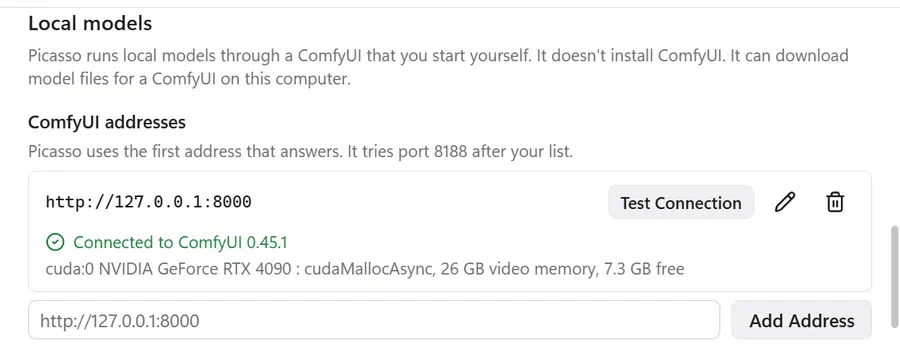
Run locally or in the cloud
Use models on your own computer through ComfyUI, or cloud models with your own keys.
-
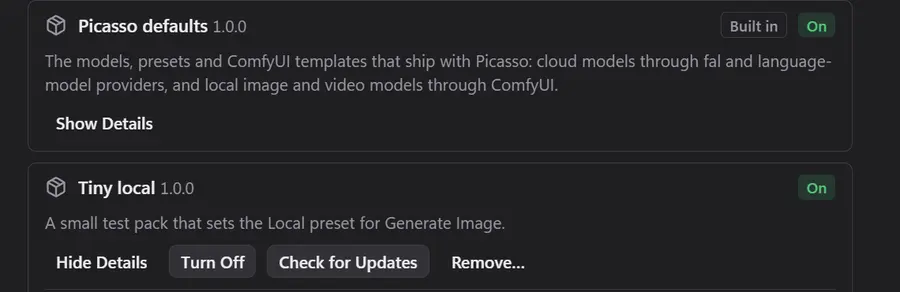
Install preset packs
Add models, presets and workflows from a pack. Install, update and remove packs from Settings.
Requirements
- Windows 10 or 11, 64-bit.
- To run models on your computer: ComfyUI and an NVIDIA graphics card. 24 GB of video memory is best for the default models. A smaller card works with lighter models.
- To use cloud models or the assistant: a key from fal, Anthropic, OpenAI or Google. All are optional.
Install
The installer is not signed yet, so Windows may show “Windows protected your PC.” Select More info, then Run anyway.